Two sources, one player
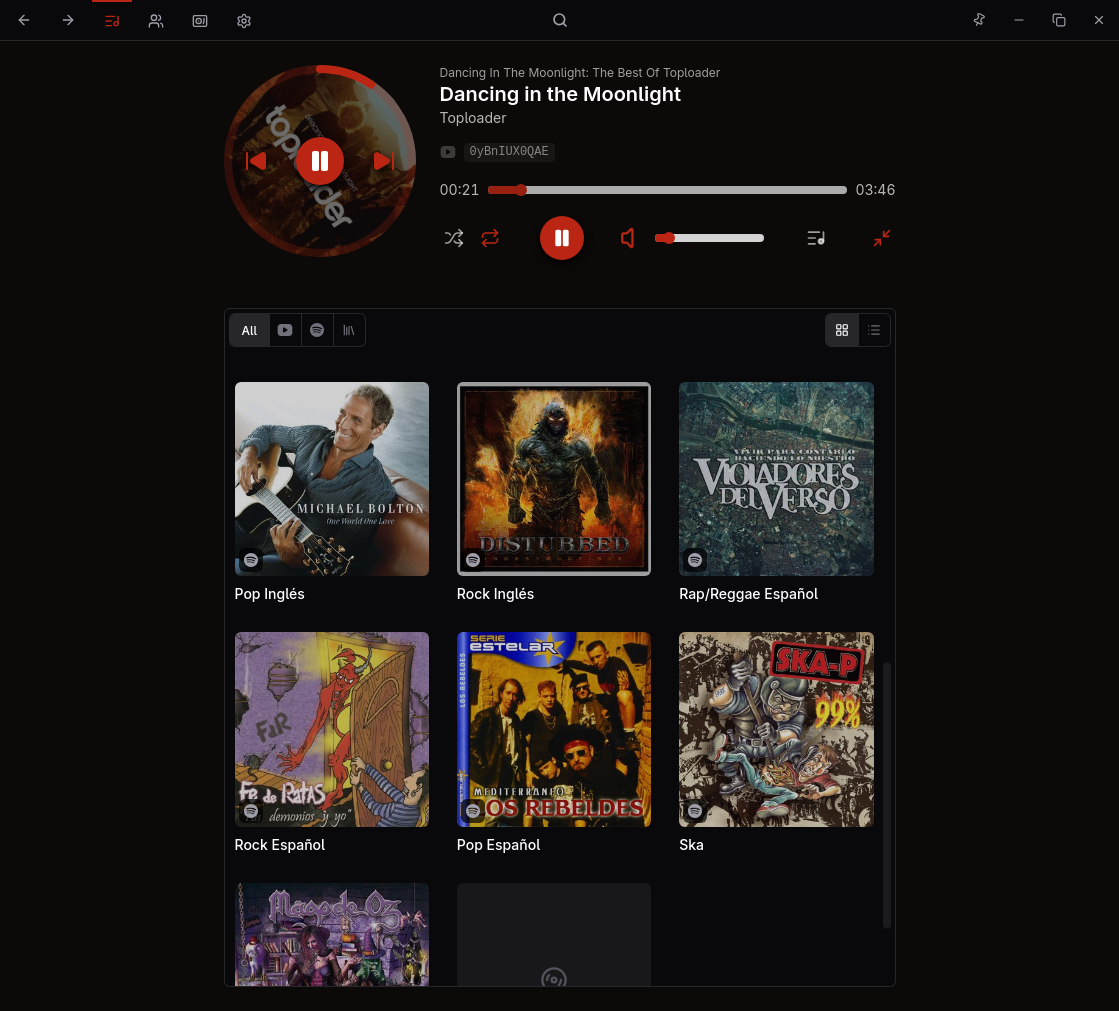
Browse Spotify and YouTube side by side and play either from the same queue and search bar. Spotify is optional — the YouTube side works standalone.
Self-hosted music streaming
A self-hosted music streaming app for desktop and mobile. Browse Spotify, play the audio through YouTube, and start a room over a relay you own.
Linux · Windows · macOS · Android — free, GPL-3.0.
Features
Browse Spotify and YouTube side by side and play either from the same queue and search bar. Spotify is optional — the YouTube side works standalone.
Turn any Spotify track into a station of similar songs and play it like any other playlist.
Log in to browse playlists, albums, artists, tracks and other users' public playlists — type a song, an artist or paste a link.
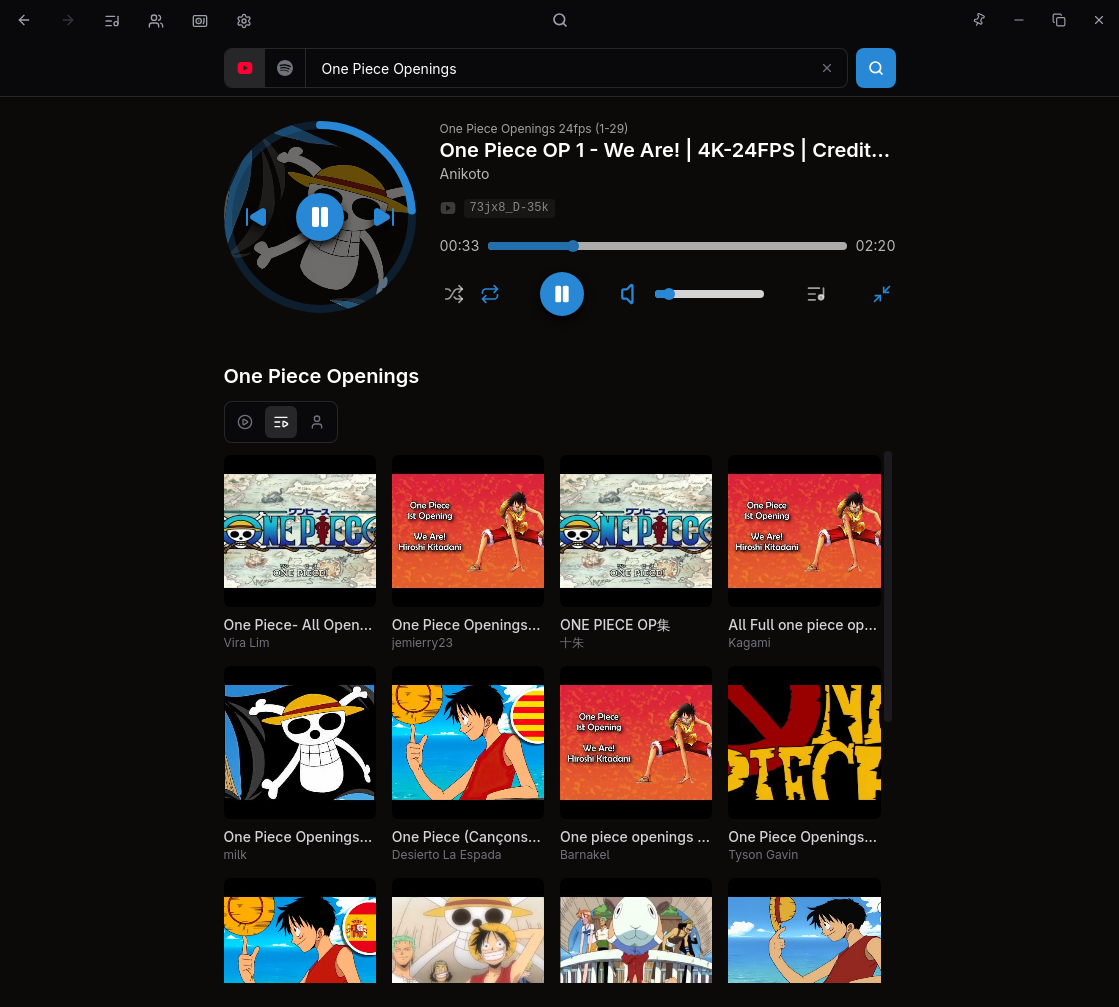
Search videos, playlists and channels, save them to your home shelf, or paste a link to jump straight in. Fix a wrong match by hand.
Play/pause, seek, volume, shuffle and repeat, plus a queue you can reorder and prune. Jota picks up where you left off after a restart.
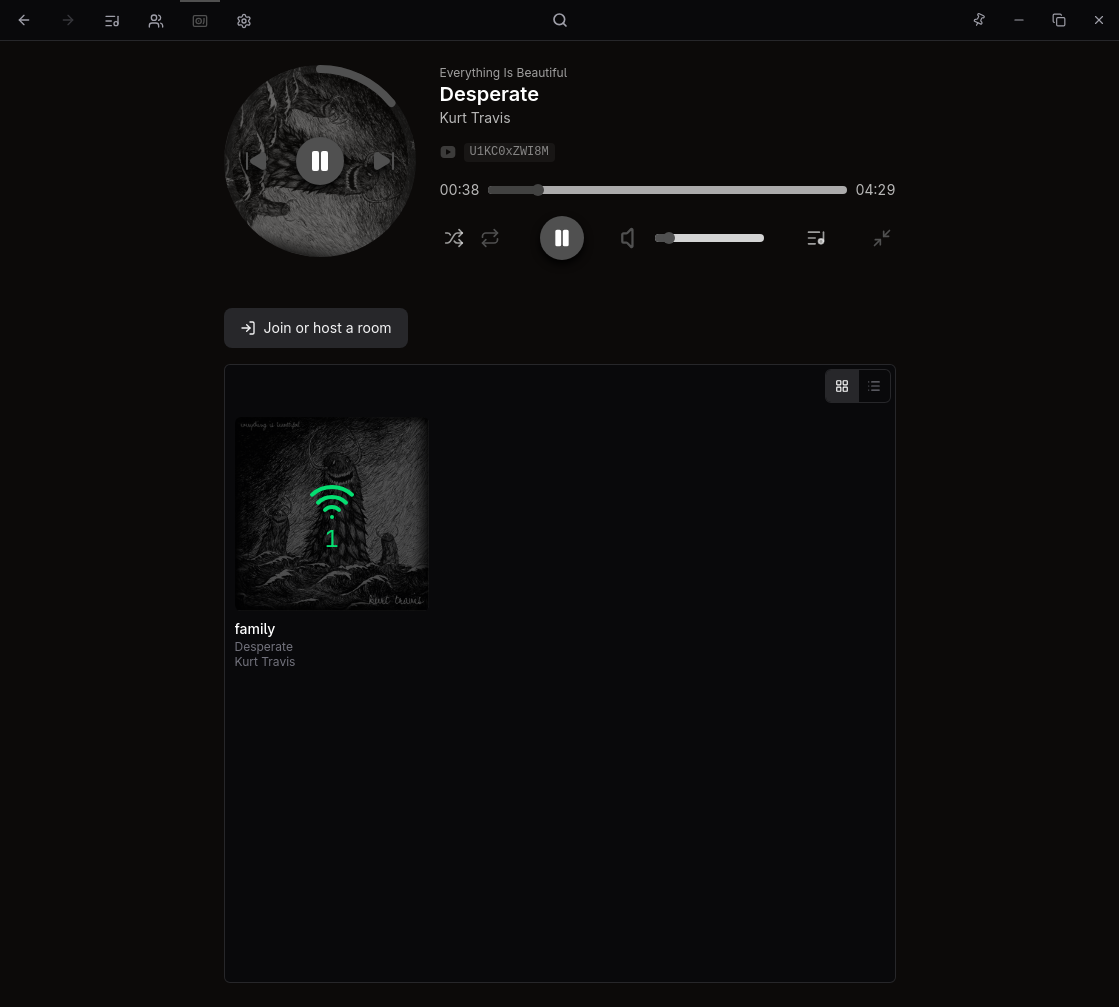
Save a room, see who is listening, and sync queue, play/pause, position, shuffle and repeat across devices over your own WebSocket relay.
Media keys, lock-screen and notification controls on desktop and mobile.
Data stays local. No accounts, no telemetry, no third-party servers — save the app log from settings when reporting a bug.
In use
Search
Type a song, an artist or paste a link — results from Spotify and YouTube land in the same list, ready to play from the same queue.
Rooms
Save a room, see who is listening, and sync queue, play/pause, position, shuffle and repeat across devices — through a WebSocket relay you host yourself.
Syncing is the only part of Jota that talks to a server — and that server is yours. The relay lives in its own repo: one Go binary or the published Docker image, then point Jota at your own wss:// URL.
AUTH_TOKEN keeps the socket private; put Caddy or nginx in front for TLS.Download
Grab a build straight from here — no signup, no detours. Jota checks for updates on launch and installs them in place on AppImage, macOS .app, Windows per-user and Android.
Jota is a hobby project by @salvadorsru. The app is not code-signed, but it is safe: Jota is open source, so anyone can review its code. Since the app is completely free and generates no revenue, I prefer to dedicate my resources to improving the app rather than paying for code-signing certificates. On some devices, the system may warn you against installing it — you can safely ignore that warning.
Windows .exe and macOS .dmg are unsigned — SmartScreen and Gatekeeper may flag them. Checksums are in SHA256SUMS, and every past version lives on the releases page.
Story
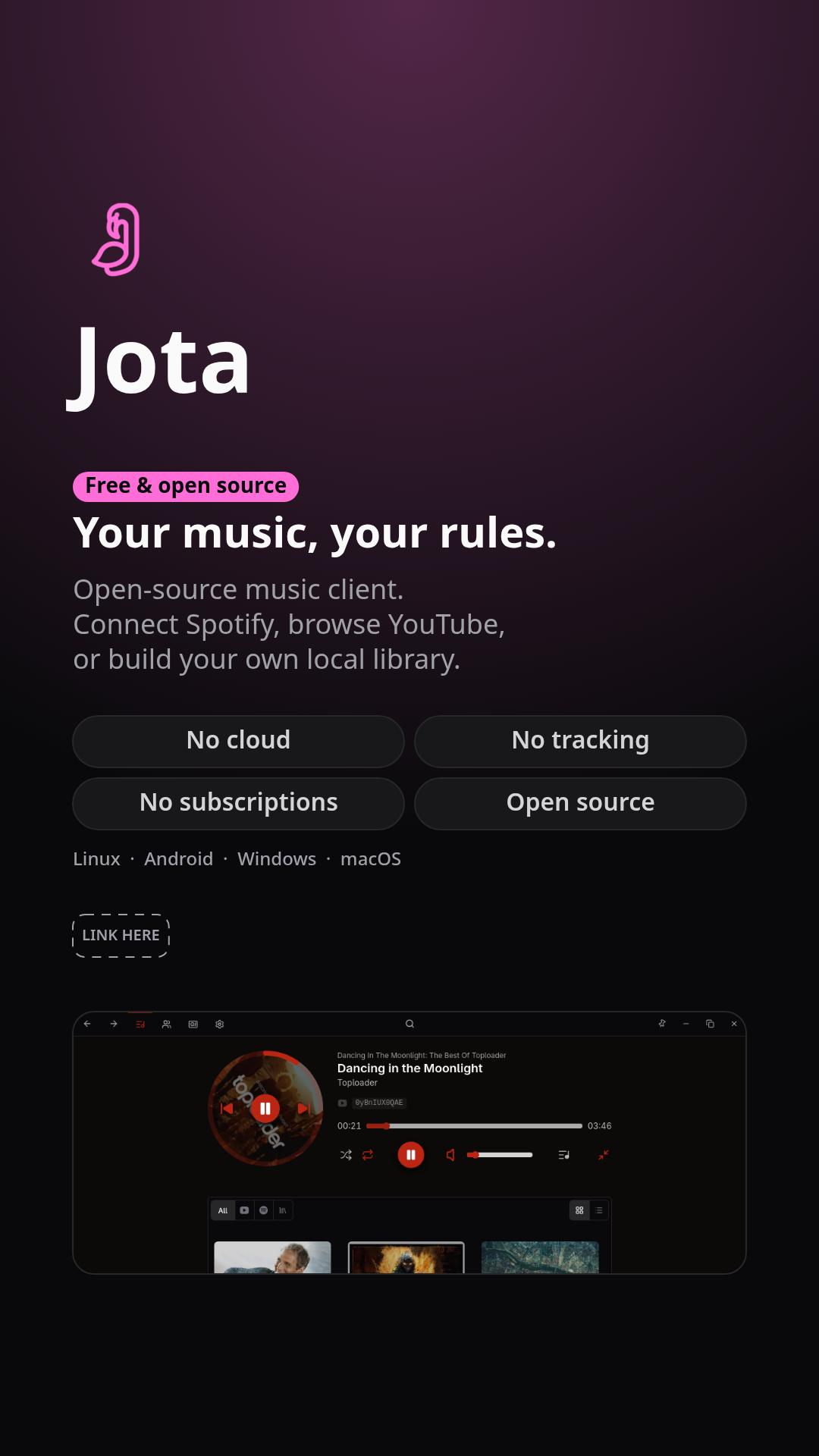
A ready-made Instagram image with the app in a nutshell and a real screenshot of the player.
Enjoyed the app? Share it in a tap with a ready-made story.
Share on Instagram
FAQ